

Discord commands and moderation
Look up a member, set a reminder and review every kind of moderation case.
Support and guides
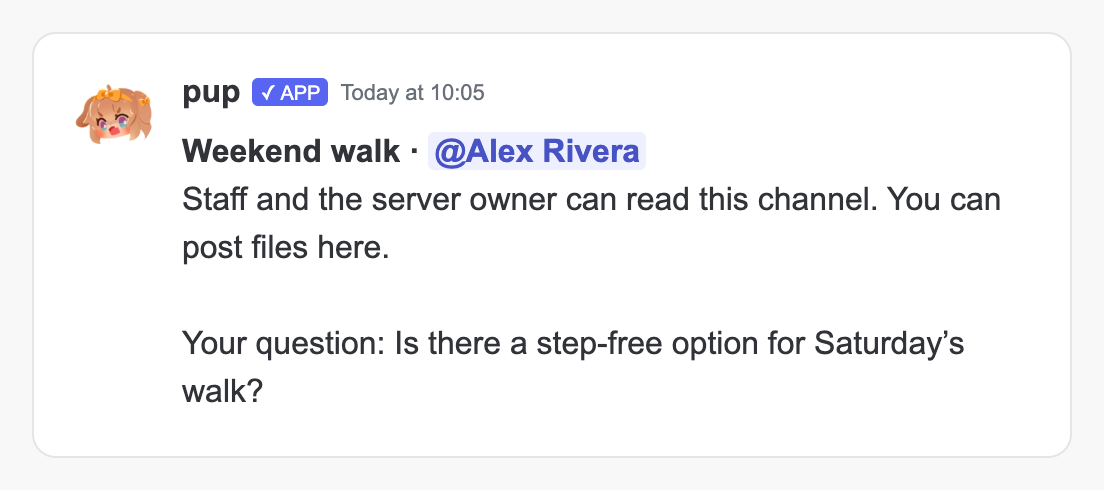
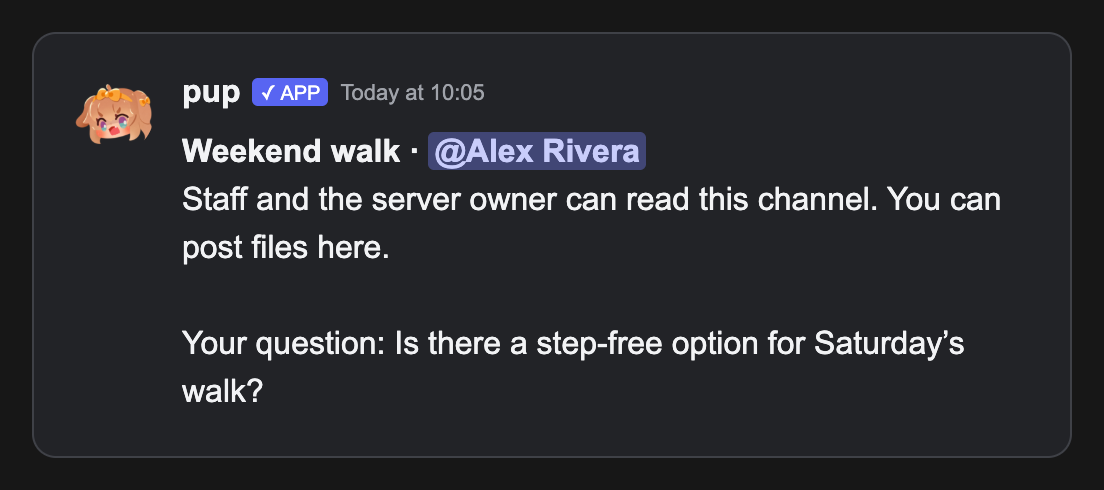
Set up Modmail, read the answers in a new ticket and find the guide for your next task.
Everyday commands
Ask pup for the details without starting an Assistant conversation:/userinfo shows your own profile when you leave the member blank. Add member:@Alex to look up someone else. /serverinfo describes the server, and /roleinfo shows the selected role. Saved reminders survive restarts.
These commands need Use member information and reminders in Staff access, with the moderation module and the command enabled. Slash replies are private; prefix replies appear in the channel. /avatar also accepts public:true when you want to share its result.
/help now groups commands by task. Open a command’s details to see its inputs, access requirements and relevant server settings.
Moderation with less setup
Warnings, bans, timeouts and channel locks no longer require a log destination. Your Discord permissions and role hierarchy still apply. To receive case logs, open Logs, choose a staff-only Moderation log channel and save. pup sends every recorded moderation action there, including slowmode. This works independently of Record server events; custom notification routes are optional./cases and /history cover all recorded moderation actions. Use their page buttons or page:2 to read older entries. Channel actions identify the channel. Member records show the name saved with the record beside the mention, including in server logs and @pup’s record searches.
Prefix slowmode accepts a reason immediately after the duration. With ^ saved as your prefix:
Phishing checks
pup refreshes its known phishing hosts and allowlist every hour, and checks messages again when they are edited. If an update fails, it keeps using its saved list. Bare domains and links without a scheme, such asexample.com/login, are compared with known malicious hosts and your server’s blocked hosts without opening the destination. Full HTTP(S) URLs and masked links receive destination checks, following up to three redirects. A failed lookup creates no phishing incident.
Start with Monitor on Protection → Phishing links to review matches before choosing Take action.
Private support
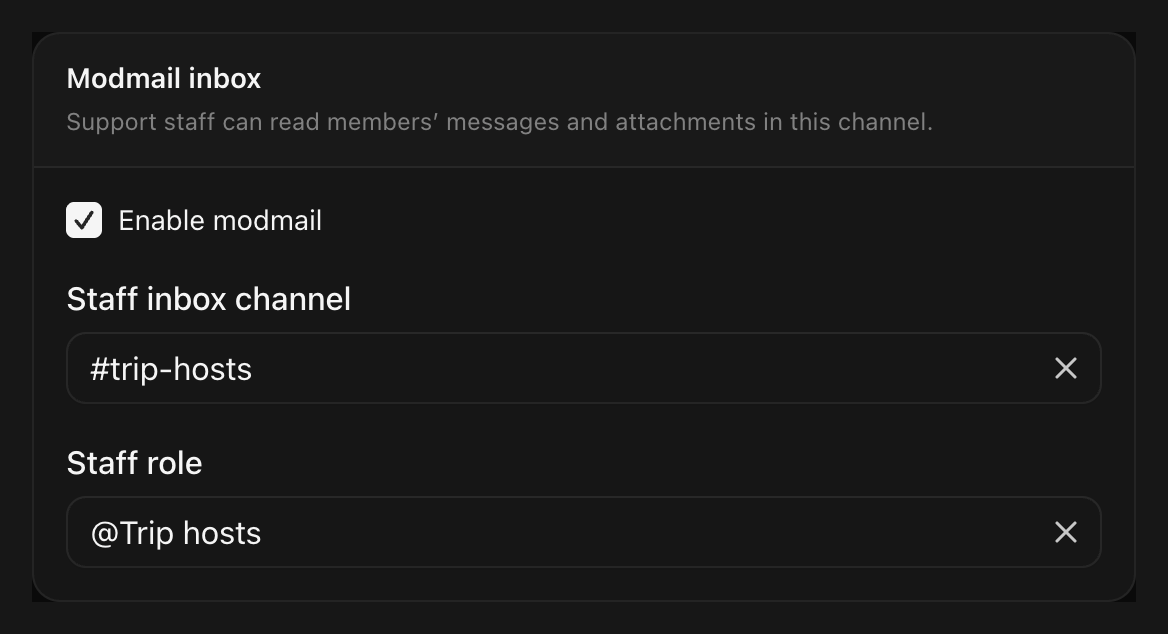
Set up Modmail from Support → Modmail. Choose a private staff inbox channel and staff role, enable it, then save. Advanced settings controls which members can use the inbox and the attachments they can send.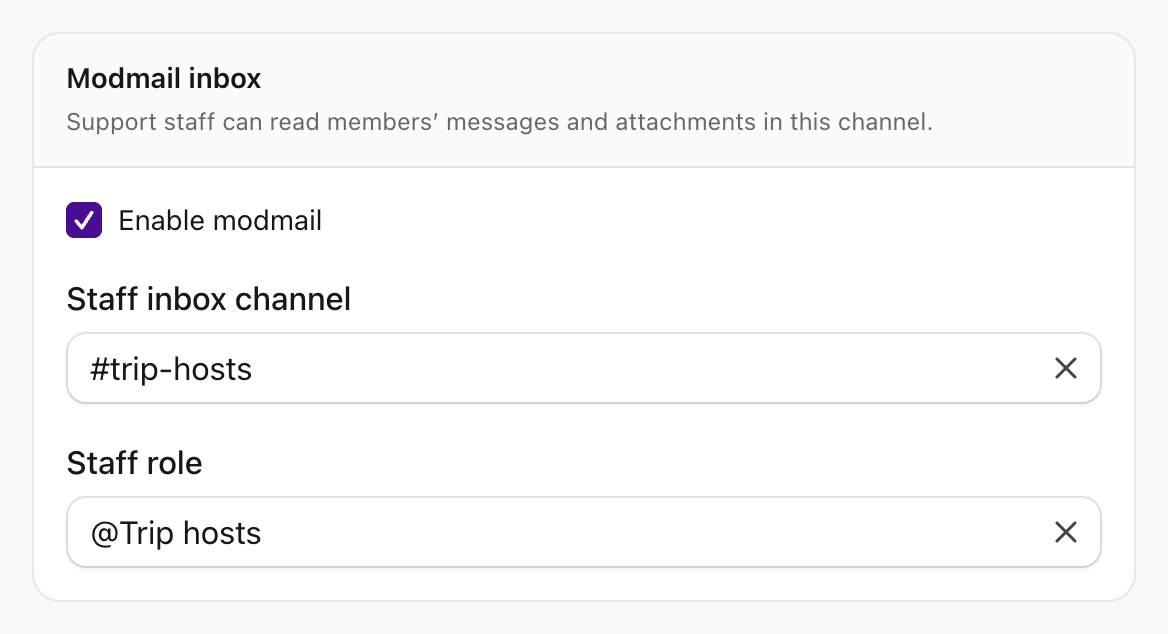
Guides for your next task
The docs now follow admin tasks, from your first warning to a support inbox. Small message detectors share Spam filters, and each page owns its setup instructions. Old guide URLs redirect to their new homes. The command reference includes every registered input and limit, with a separate permission reference. Guides and release images have native light and dark variants. @pup’s documentation search uses the rebuilt guides for its running version.Also in 0.11.1
- Deletion logs: pup sends one message-deletion notice when both deletion log types are enabled, with message content when available. Audit history is preserved.
- Anonymous submissions: the private confirmation follows publication, showing whether the post was published or failed.
- Suggestions: prefix replies explain that the original command and its author remain visible. Use
/suggestfor private submission to staff. - Assistant: nearby messages are available before it starts a reply.
- Diagnostics: dashboard requests appear in configured tracing.
- Branding: the interface and docs consistently use lowercase pup.
- Hosted beta: join the waitlist to request an invitation with your Discord account.
Before you upgrade
The built-in Moderator permission set now includes Open dashboard, including existing grants. Use a custom permission set if those staff should use Discord only. Private support conversations still require the configured team access or server ownership.